Introduction
Welcome to the typeR package!
In this vignette, you’ll learn how to install the package, what it’s designed for, and how to use its core functionality. Whether you’re a beginner or an advanced R user, this guide will help you get started on the right foot.
This package is designed to simulate typing effects in R scripts for presentations and tutorials.
Installation
If you haven’t already, you can install the package. As soon as it becomes available on CRAN:
install.packages("typeR")Install the development version on GitHub:
# Install devtools package if not already installed
if (!requireNamespace("devtools", quietly = TRUE)) {
  install.packages("devtools")
}

# Install from GitHub
devtools::install_github("fgazzelloni/typeR")
After installation, load the package:
Quick Start Example
Let’s dive into a simple example to show you how typeR works in practice.
Example with a custom R script
The typeR() function can simulate typing an R script
line by line in the R console. Here’s a basic example:
library(typeR)

# Create a test script for demonstration
writeLines(c(
  "# Testing typeR",
  "x <- 1:10",
  "y <- x*2",
  "plot(x, y)"
), "test_script.R")

# Simulate typing the script
typeR("test_script.R", delay = 0.05)
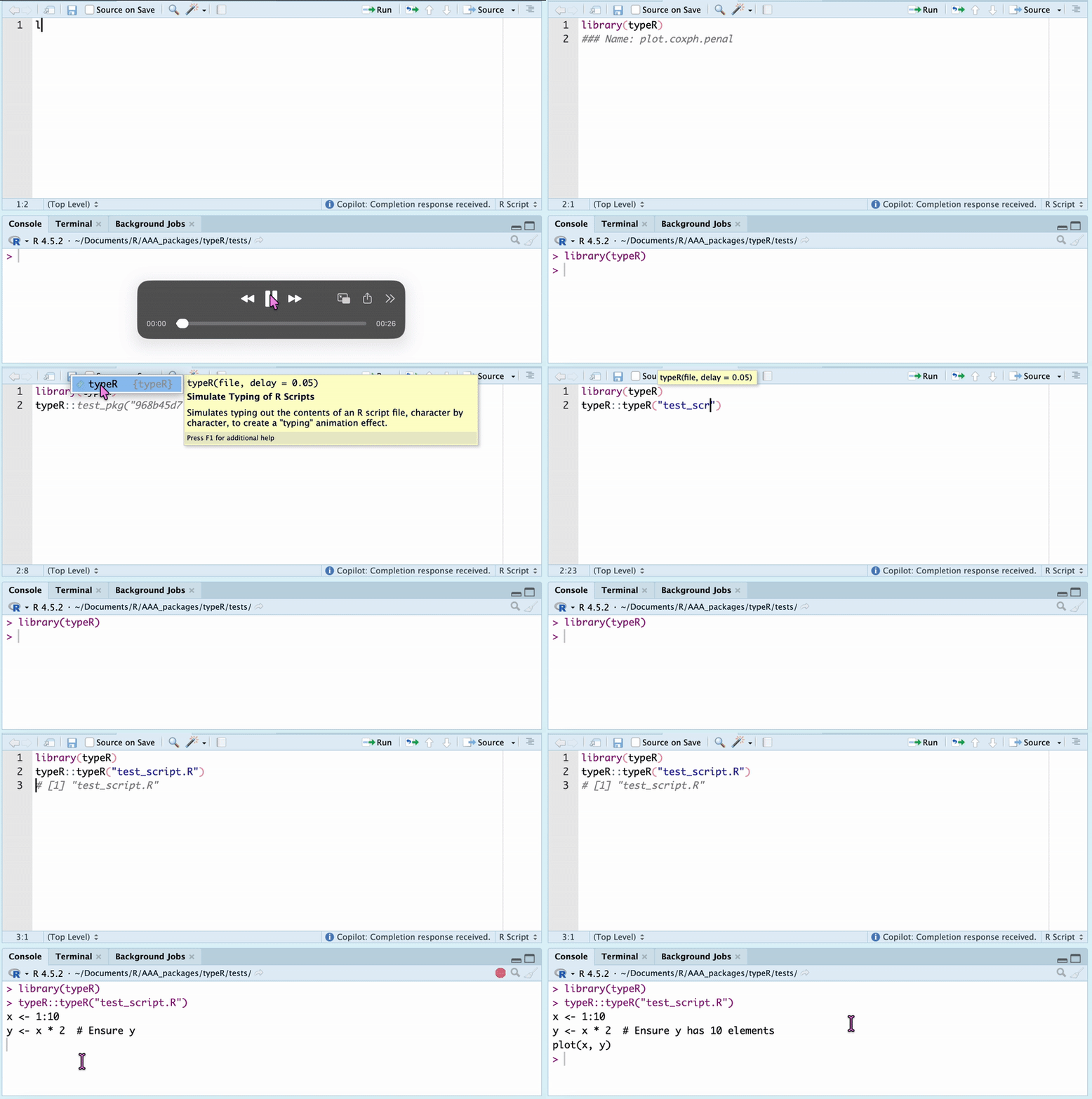
And here’s what the output looks like:
New in Version 0.2.0: typeRun()
For live code execution with typing animation, see the dedicated vignette:
vignette("typerun-demo", package = "typeR")This vignette covers how to use the typeRun() function,
which types out and executes R code in real-time.
Check out the function reference documentation for details on the available parameters and their usage.
Next Steps
Now that you’re up and running with typeR, here are a few suggestions for further learning:
- Explore the package documentation:
?typeR - Check out the other vignettes or tutorials on advanced topics.
- Contribute or share your feature ideas via GitHub Issues link.
Credits
Thanks for using the typeR package! Feedback and contributions are always welcome. If you encounter any issues or have suggestions, feel free to reach out on https://github.com/Fgazzelloni/typeR.
Happy coding!